Prysn
A Lo-Fi Horror Game where I was responsable for the sound design.
Project Goal
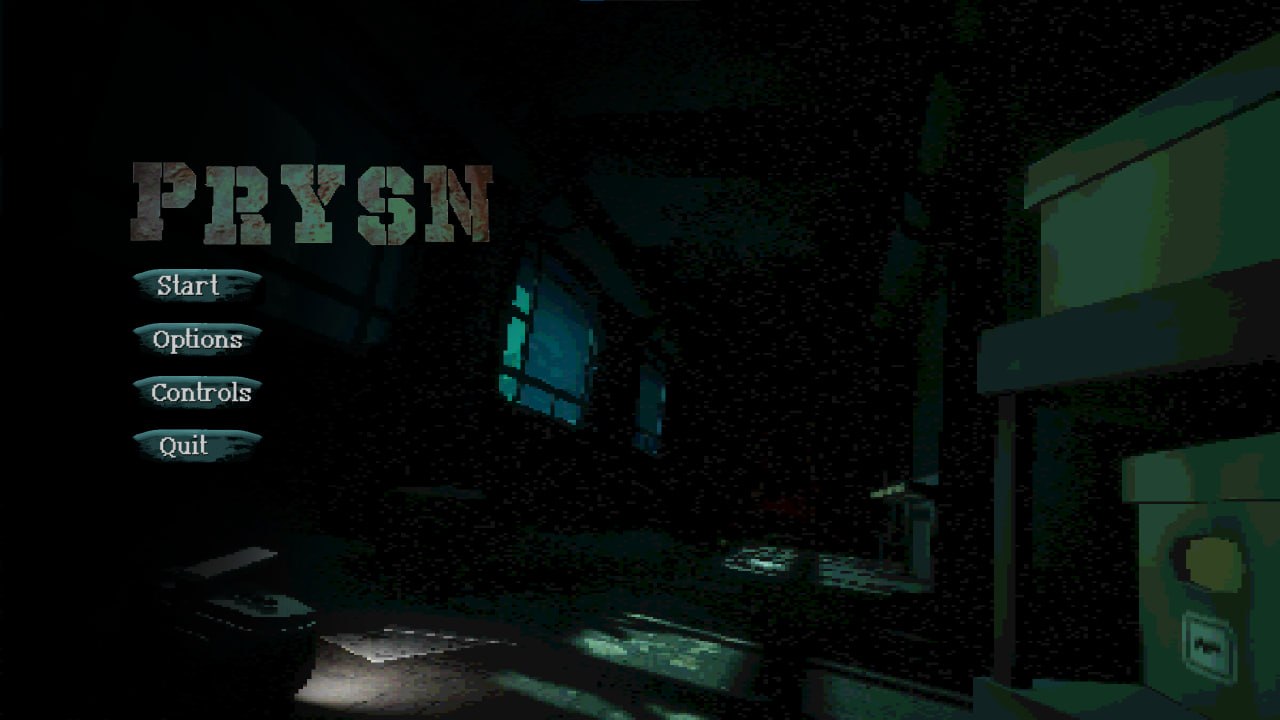
Prysn is a Lo-Fi, first person horror game where the player tries to escape a dark, underwater, penitentiary facility
trying to avoid monsters and solving your way out.
This game was created within about 10 weeks, made in Unreal Engine 5,
by a team of 6 bachelor students and in their third year of Digital Arts and Entertainment,
and one music composer.
 More info and free downloadable game
on Itch.io
More info and free downloadable game
on Itch.io
My Contributions
I was mainly the Sound designer of the team.
I coordinated with art team to keep the sonic mood cohesive to the original vision,
and with the programming team to implement souds correctly and interactively.
I was also responsable for the game UI, design of all
in-game menus and implementation of the
non-diegetic ones.
Alongside making some extra marketing/presentation material such as creating graphics for the game various webpages.
Reflection on teamwork
In this project I learned to better balance being proactive while respecting the responsibilities of others. At the beginning, I sometimes went ahead of my tasks when I felt something could be improved.Over time, I learned to give my suggestions without always expecting them to be followed, and to accept decisions even when I disagreed with them. This helped me become more comfortable with collaboration and knowing when to step back.
Sound Design & Implementation
I was responsable for all sounds in game, excluding the music.
All the sound effects in this game were designed starting from
royalty-free samples, and my own recordings.
Some of the monstery sounds, for examplse, were created from my own voice acting :D
The sounds were edited and processed in Reaper,
then implemented in gameplay using Unreal Engine native audio system, including MetaSounds,
with the help of the programmers on my team.
Given the Lo-fi aesthetic of the game, many sounds were deliberatly processed
with a lower sample-rate and a subtle low-pass filter
to complement the visual style and create a congruent sonic mood.
Gampleplay Clip
This is a short clip showcasing how the game sounds, with lowered music.
To see or hear more I suggest you to downaload and play the game yourself!
(link above)
UI / UX
Since the game followed a lo-fi PSX-inspired art style,
we used a shader that pixelated and lowered the visual fidelity of everything rendered in world space.
However, screen-space UI elements were not affected by the shader,
which created a visual mismatch between the UI and the game world.
I was responsible for the game's UI/UX design
and proposed two approaches for integrating all menus and solving these two problems.
Diegetic UI
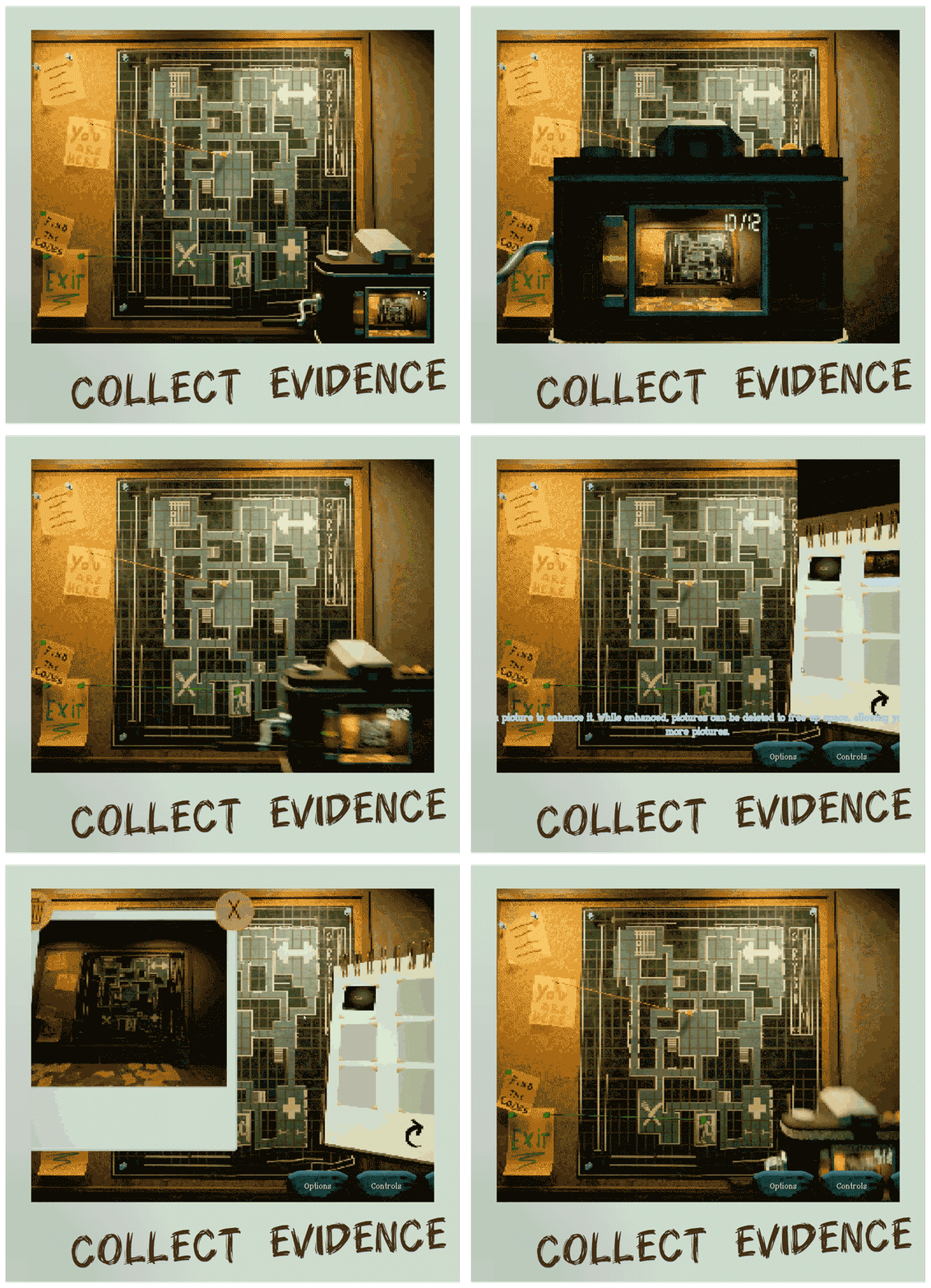
I suggested moving some menus from screen space onto world space as diegetic objects.
This allowed them to be rendered through the same shader as the rest of the environment,
making them feel organic with the game graphic design.
For example the notebook menu which displays photographs taken by the player's camera.
Turning this into a physical world space object also solved another graphic issue:
the pictures themselves were not affected by the shader upon being rendered,
and it would show when displayed as conventional screen-space UI.
Displaying them directly in screen space would have made the photographs appear as
high-resolution screenshots of the game world unlike how the player would otherwise see the world as.
While displaying the photographs as textures on an in-world notebook,
they were rendered correctly through the same shader as the surrounding environment,
preserving the intended visual style.
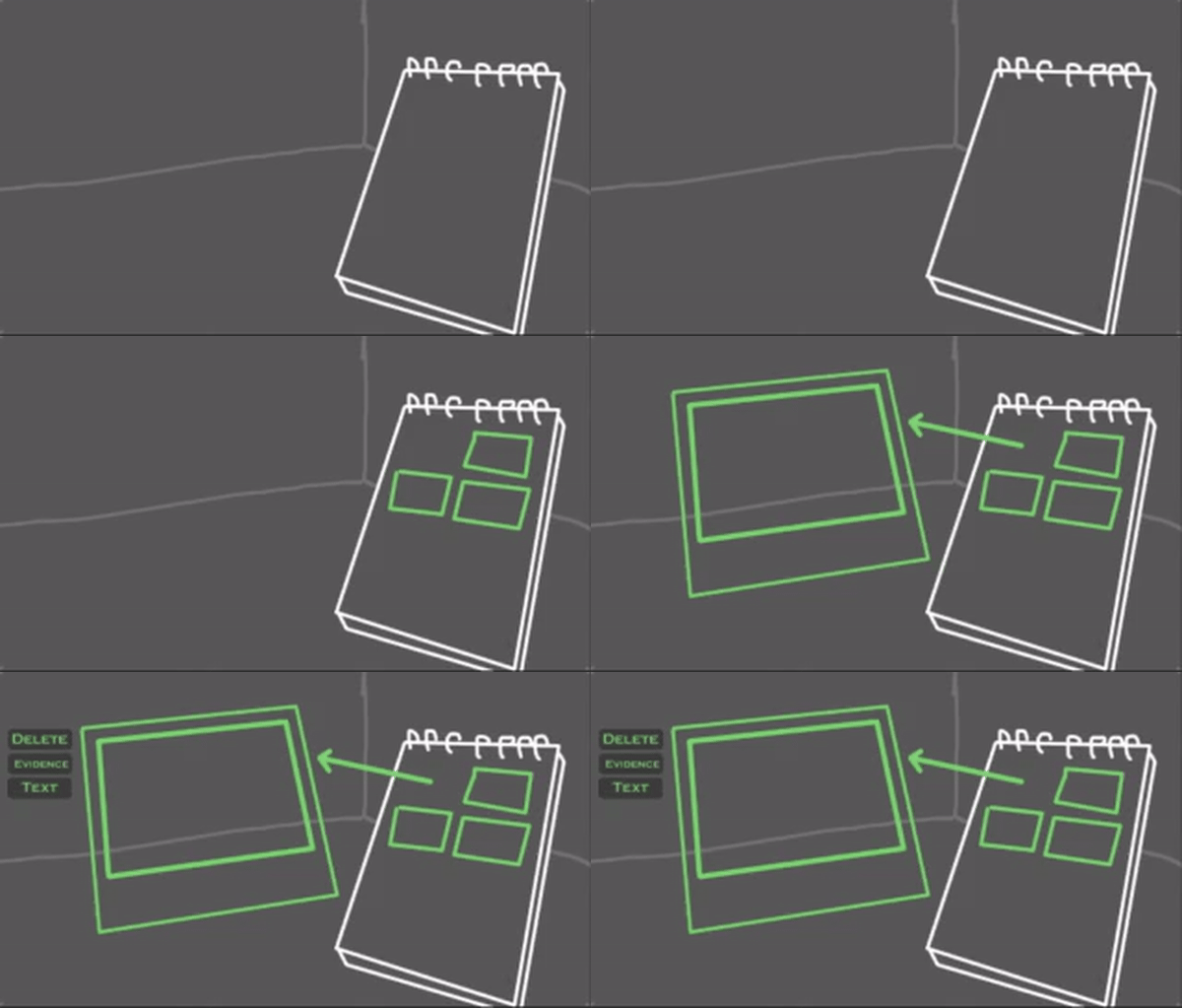
The gif shows the illustration made during development to represent the rest of the team,
which was then followed in the final game.
Screen-Space UI
For the menus that needed to remain in screen space, I developed a different solution.
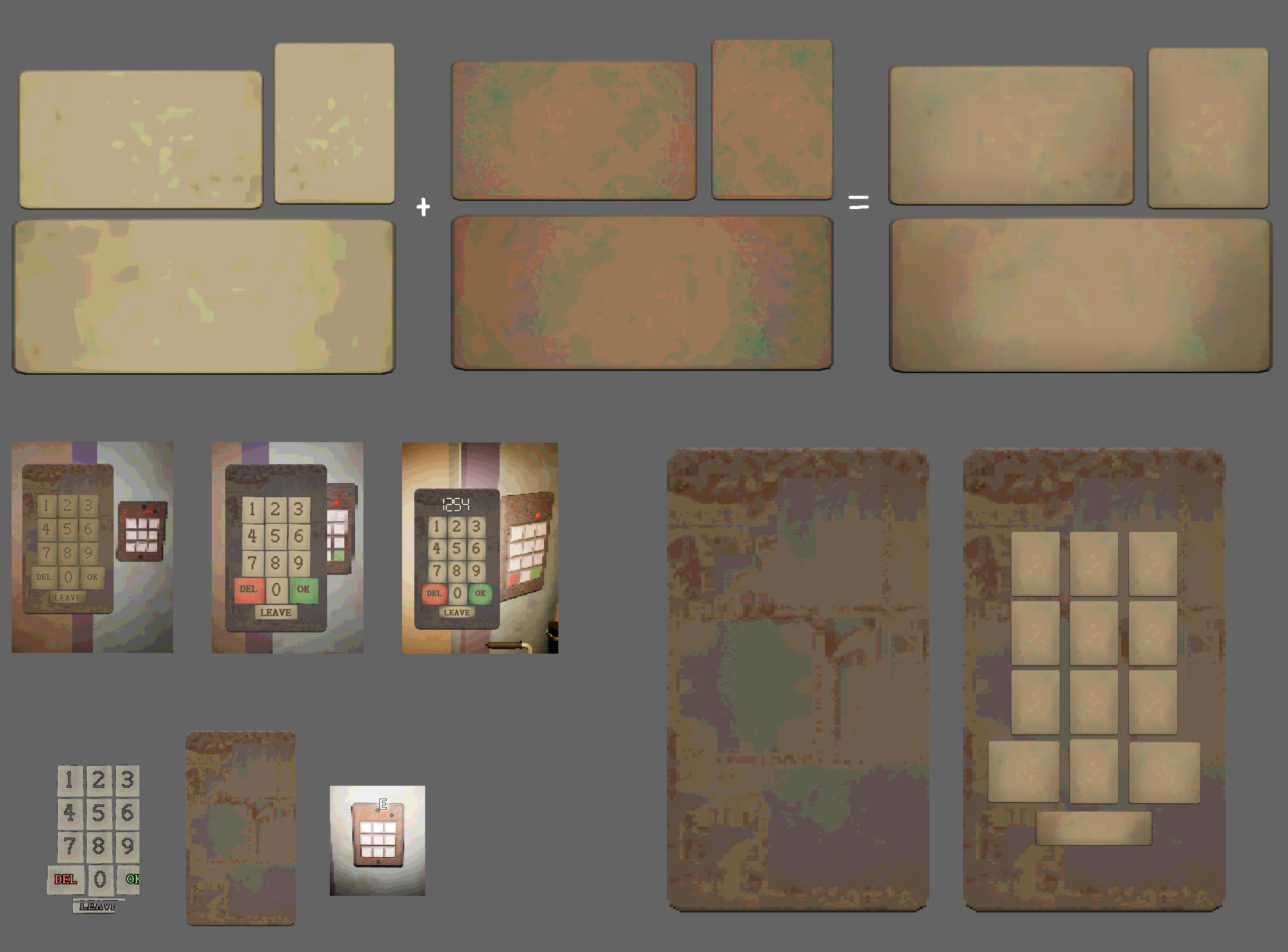
I modeled and imported various rounded blocks with generic materials used in game,
then rendered them through the game's shader using an orthographic camera.
I captured these renders as sprites, edited them to fit the UI,
and used them as the visual basis for the interface buttons.
This allowed the screen-space UI to retain the same pixelated,
low-fidelity appearance as the world,
while still benefiting from the flexibility and usability of a conventional screen-space interface.
These pictures show some examples of this technique being used in game and in development environment.